



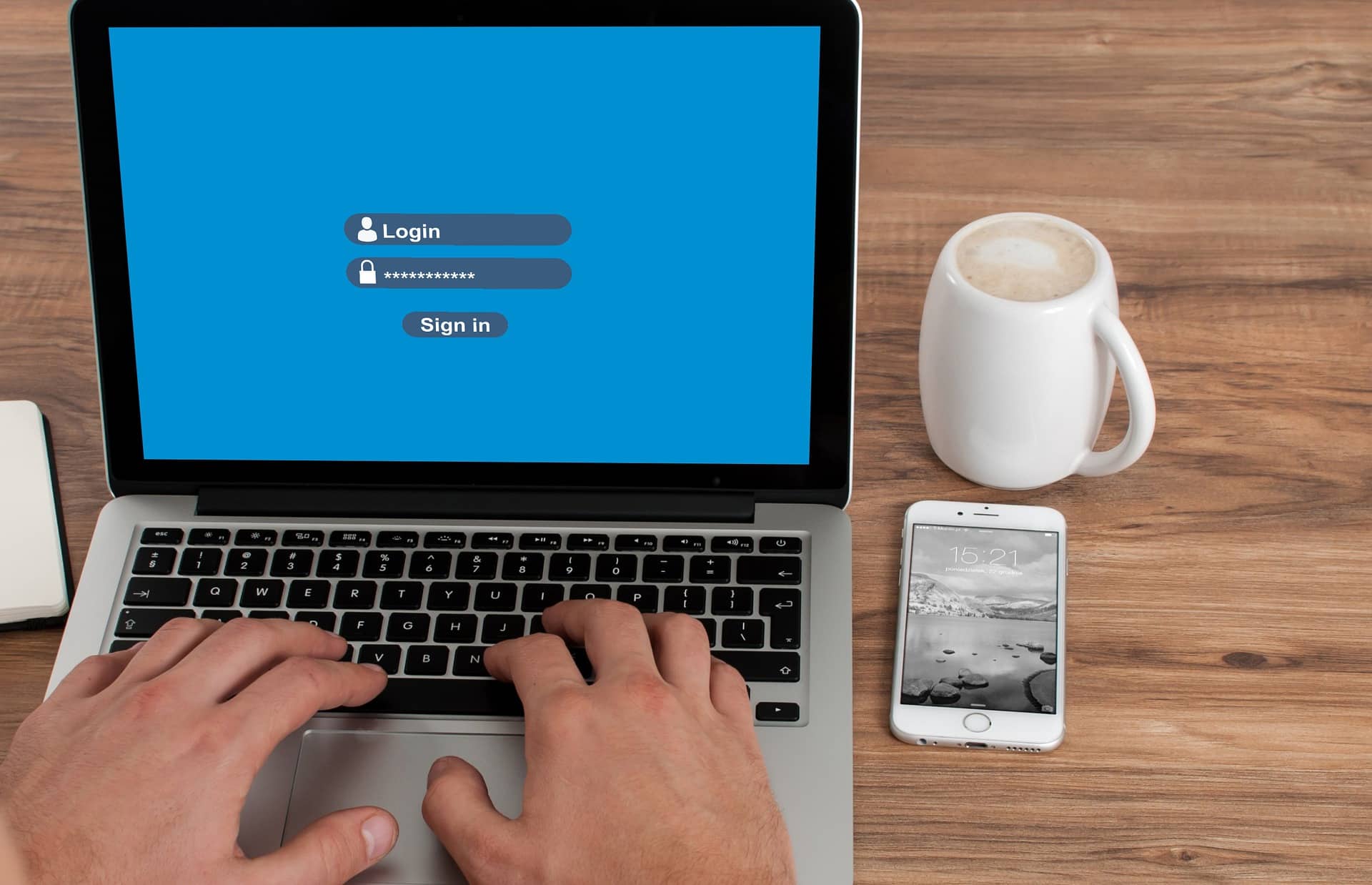
22 Jan Can Password Managers Be Hacked?
To counter threats, corporate IT security teams are turning to business-grade password managers to help centralise and streamline password and credential management. A password manager is a credential vault that gives IT teams a unified digital option to monitor, store, safeguard, share and administer passwords. They not only encrypt your passwords, but allow the flexibility to structure access to shared passwords, create 2FA codes and use passkeys when needed. But are they hackable?
How Do They Work? You make one main password. The manager scrambles your passwords. What this means is, it changes them into an unreadable format without a key.
Why Use Them? People use password managers out of convenience and security. One single factor is the difficulty in remembering several strong passwords. A password manager allows you to generate and securely store all these.
The BIG Question: Can Password Managers be Hacked?
They always hunt for ways to steal your information. However, breaking into a password manager is not easy. At TCT we use Keeper Security Enterprise. Keeper’s security features are top-notch, making it one of the safest ways to store your passwords, credit cards, and other personal information. Keeper offers AES 256-bit encryption, which is the industry standard, as well as 2FA and no-knowledge architecture. It has never been hacked or breached.
Password managers use very strong encryption. This makes them barely readable by hackers. They are also using two-factor authentication-2FA. The addition of this adds a layer of security. No system is perfect. If a hacker gets your master password, then they can access your vault. A few managers have had security issues in the past, but these are rare.
How Can You Protect Your Password Manager?
You can take steps to keep your password manager safe.
Choose a Strong Master Password Make your master password long and unique. Use a mix of letters, numbers, and symbols.
Enable Two-Factor Authentication 2FA adds a layer of security. Even if someone knows your password, they need another code to log in.
Keep Software Up-to-Date Always update your password manager. Updates fix security issues and keep your data safe.
What Happens If a Password Manager Gets Hacked?
If a password manager gets hacked, it can be serious. Hackers could access all your passwords, but in most cases, hackers only see encrypted information. But to be on the safe side you should self assess your password vault.
Immediate Actions Change your master password immediately. Decide which accounts could be affected and change their passwords as well.
Long-Term Solutions Consider shifting to another password manager if it has been compromised anytime earlier. Keep up to date with any security news about your manager.
Is the Use of Password Managers Worth the Risk?
Corporate Password Vaults are becoming more and more needed with the number of passwords each person has and the high level IT security needed in this global environment. They make managing passwords much easier and safer. You do not want to keep any passwords in your web browser.
Benefits Outweigh Risks The benefits of using a password manager usually outweigh the risks. They help you create strong, unique passwords for each account.
Trustworthy Options Choose a reputable password manager with good reviews and security features. Do some research before deciding which one to use.
Using a corporate password manager will go a long way in enhancing your business data security. If you have any questions, contact us today!
FAQs
-
If a hacker steals the “Vault” from the cloud, can they read my passwords?
In almost every case, no. Most reputable password managers use “Zero-Knowledge” security. This means your passwords are scrambled (encrypted) on your device before they are sent to the company’s servers.
- The Scrambled Code: If a hacker steals the database, all they see is a mess of random letters and numbers that makes no sense.
- The Missing Key: The “key” to unscramble that mess is your Master Password, which the company doesn’t even know.
- No Way In: Without your specific Master Password, even the best computers in the world would take millions of years to break the code.
-
What is “Biometric” login and is it safer than a password?
Biometric login uses your fingerprint or face (like FaceID) to open your password manager.
- Convenience vs. Security: It is very safe because it’s hard for someone to “guess” your face. It also stops people from looking over your shoulder to see you type a password.
- The “Fallback” Rule: Your phone or computer will still ask for your Master Password occasionally (usually once a week or after a restart) to make sure you haven’t forgotten it.
- Encryption Role: Biometrics don’t replace your Master Password; they just act as a “shortcut” to unlock the key that is already stored on your device.
-
Can a “Keylogger” virus steal my Master Password?
A keylogger is a type of virus that records every button you press on your keyboard. This is one of the few ways a hacker could actually “see” your Master Password as you type it.
- How to fight it: Using an on-screen keyboard or biometrics can help.
- Antivirus is Essential: Keeping your computer’s main security software up to date is the best way to stop these viruses from being installed in the first place.
- Auto-Fill: Password managers help by “auto-filling” your other passwords so you don’t have to type them, which keeps them safe from keyloggers on those websites.
-
What happens if I lose my phone with the password manager app on it?
Losing your phone doesn’t mean your passwords are stolen. Most apps require a PIN, fingerprint, or your Master Password to open. If your phone is lost:
- Remote Wipe: You can use “Find My iPhone” or “Find My Device” to delete all the data on your phone remotely.
- Deauthorize the Device: You can log in to your password manager’s website from a different computer and “log out” of your lost phone so it can no longer access your vault.
- New Phone Setup: You simply download the app on your new phone, log in, and all your passwords will sync back down from the cloud.
-
Why should I avoid the “Remember Me” box on shared computers?
When you log into your password manager on a computer that isn’t yours (like at a library or a friend’s house), never click “Remember Me” or “Stay Logged In.” If you do, the next person who sits down might be able to open your vault without a password. Always use a “Private” or “Incognito” browser window on public computers and make sure to fully log out and close the browser when you are finished.
Robert Brown
22/01/2025
Related Articles:
Secure Data Backup
How Password Managers Protect Your Accounts